- Download and install Virtual box
- Download image of Virtual disk
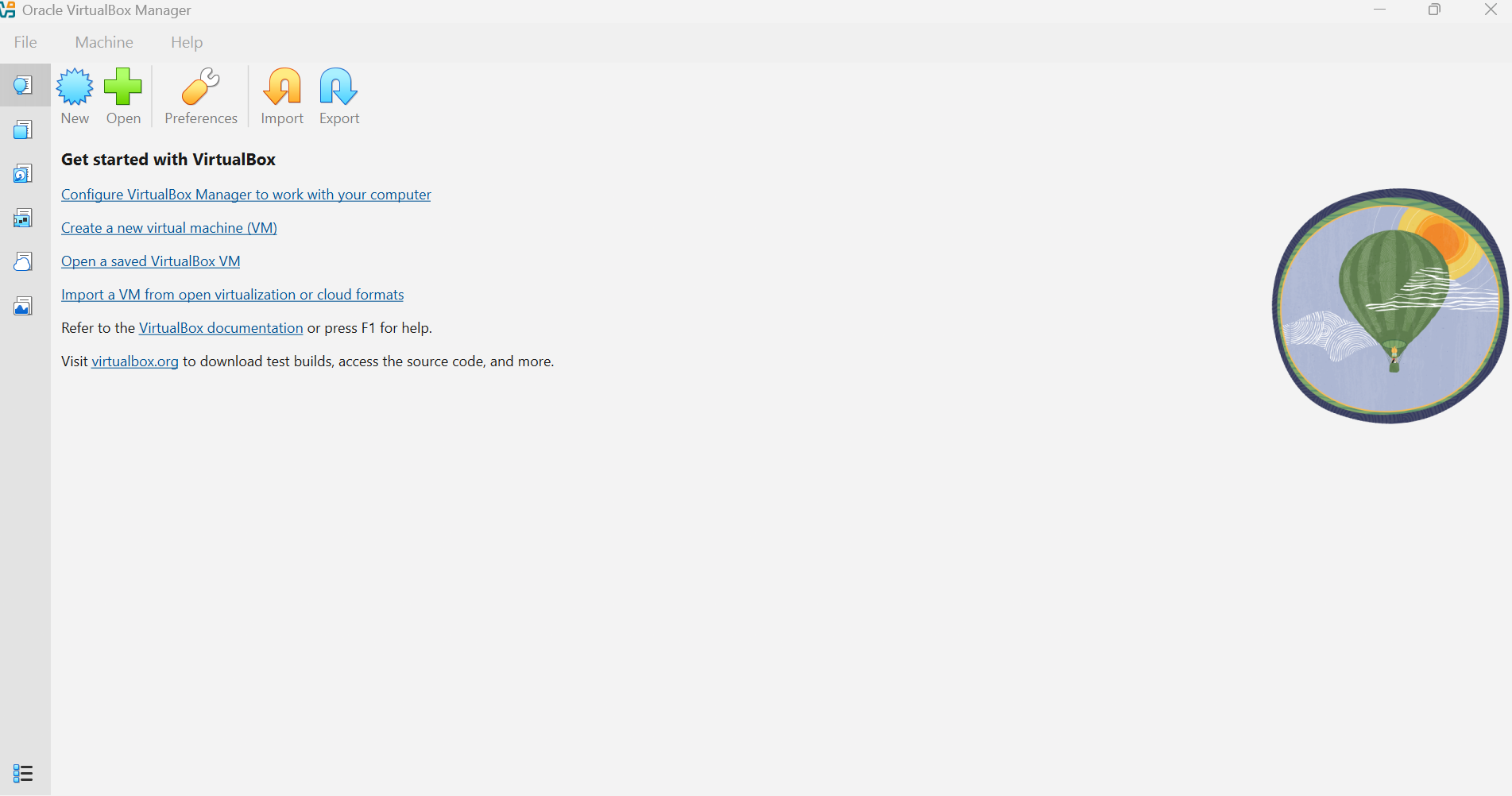
- Run VirtualBox and click on "blue sun" for create new virtual computer
-
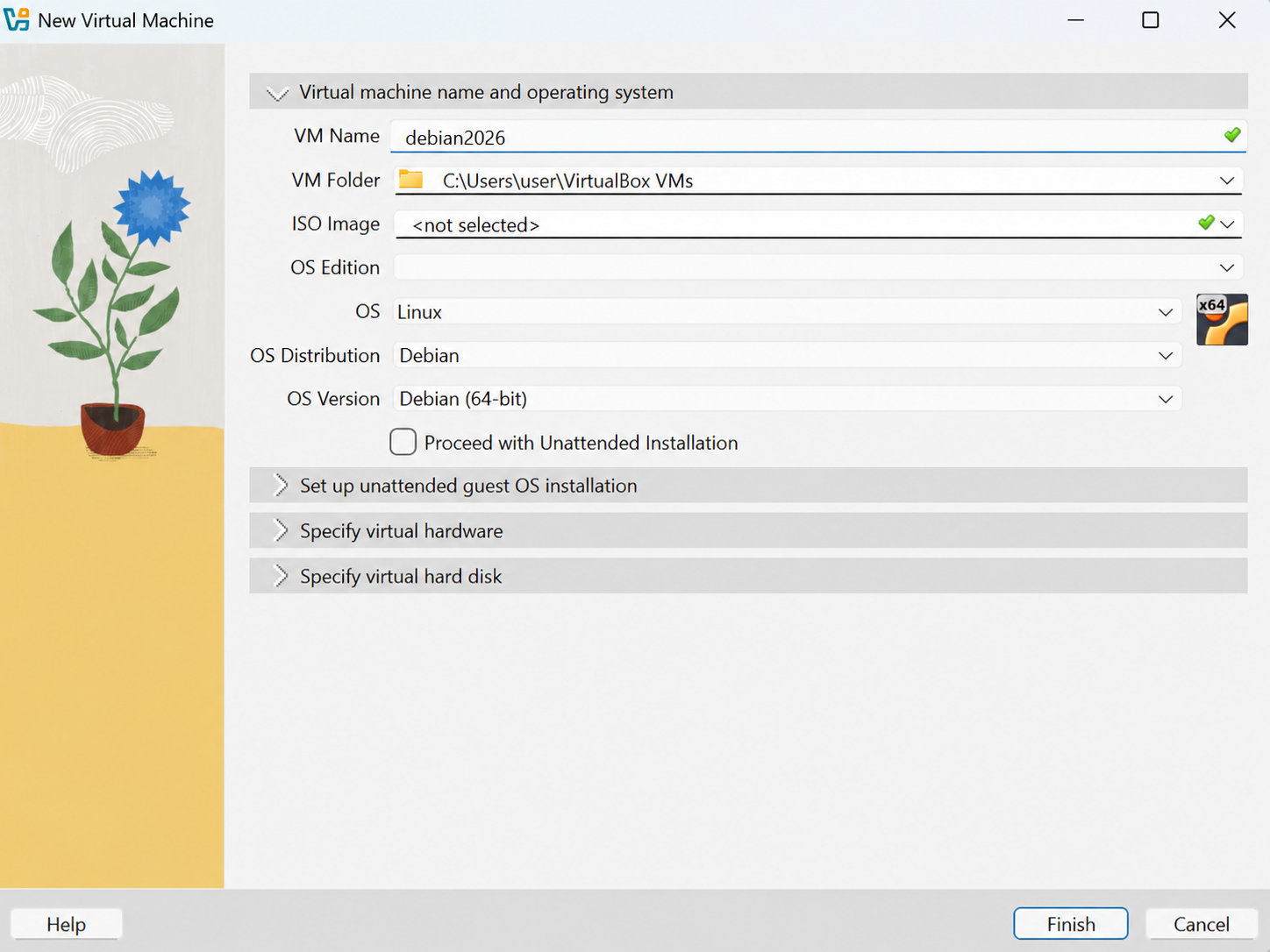
As a name of virtual machine (VM Name) fill DEBIAN2026
-
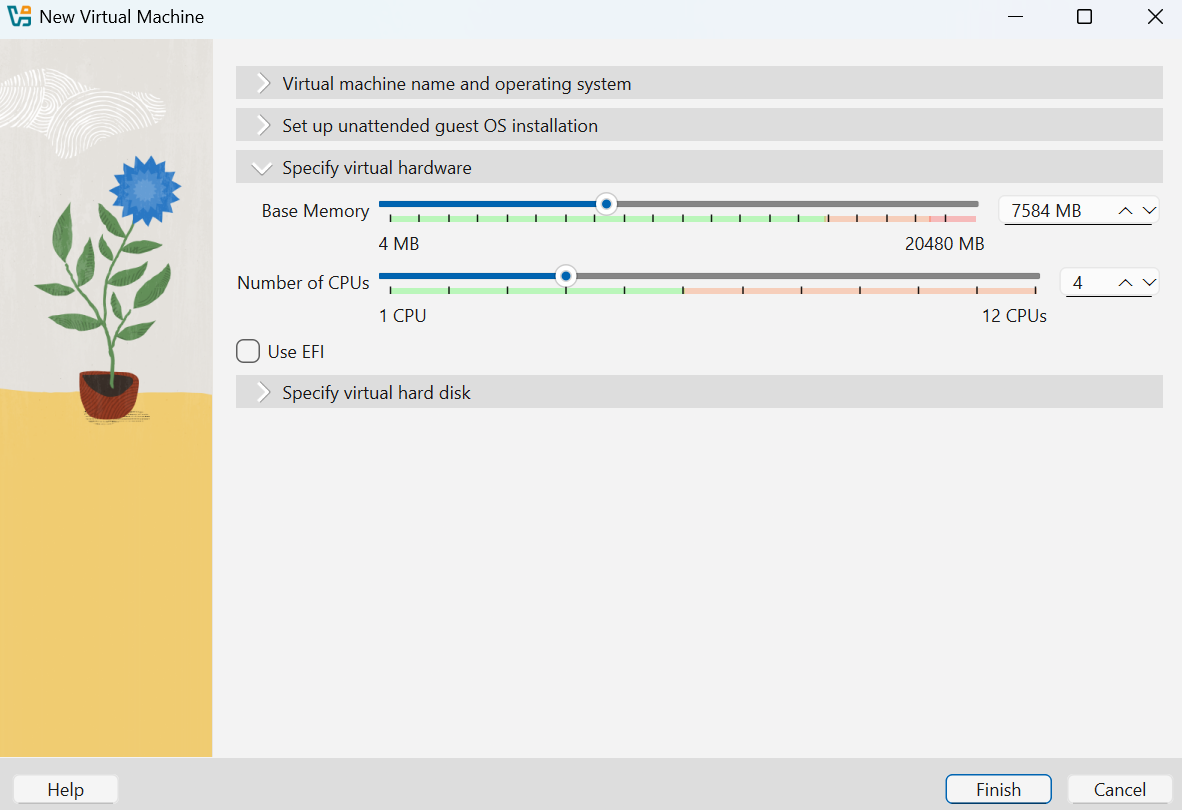
Choose item "Specify virtual hardware" (choose approximately half of green part)
-
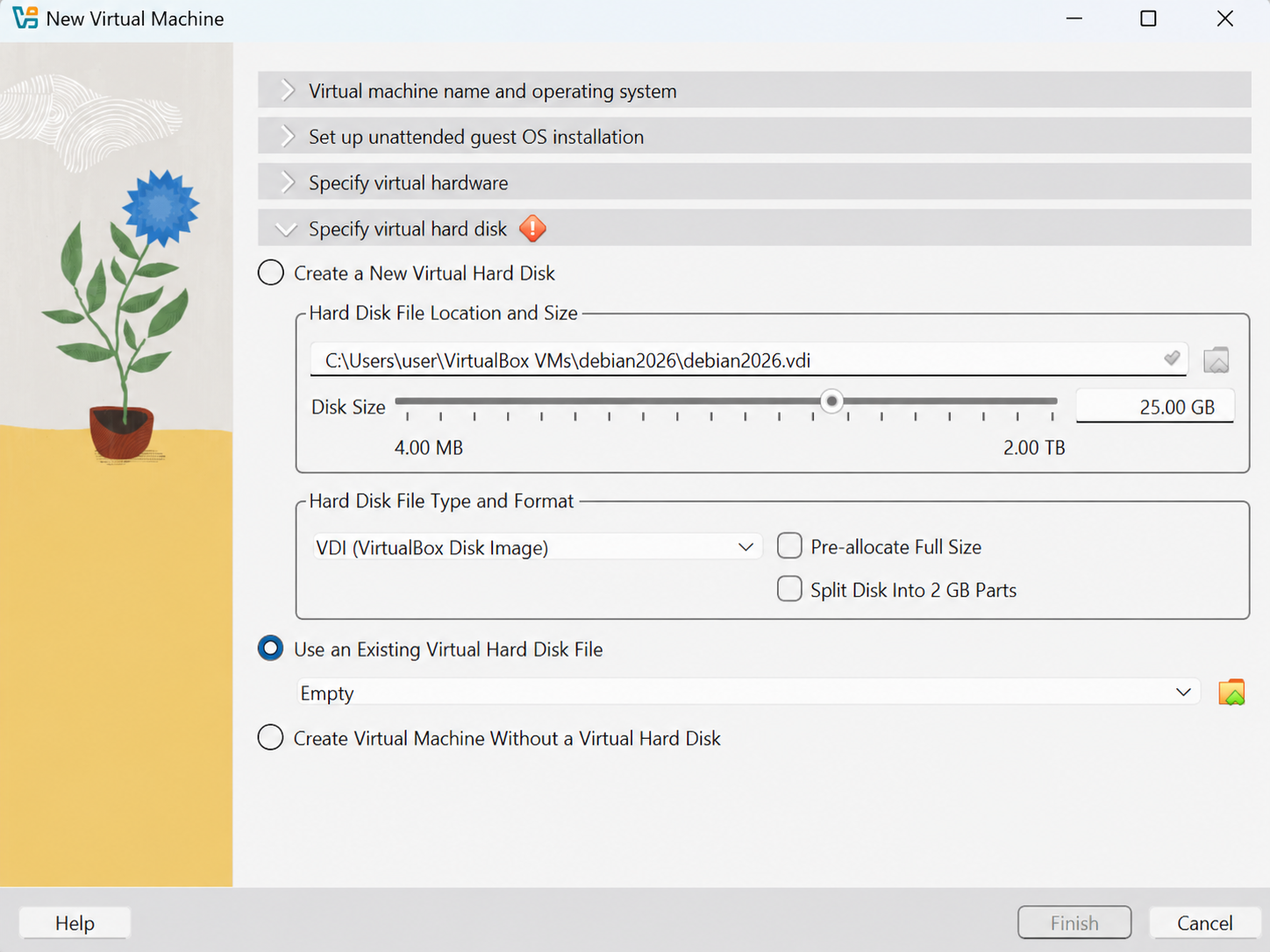
Choose item "Specify virtual hard disk" and select "Use an existing Virtual hard disk file" and click on yellow icon with green arrow
in case there is no this choice let there "Create a New Virtual disk" (see step 11)
- Click on icon "Add" and select downloaded virtual disk (Debian2026.vdi)
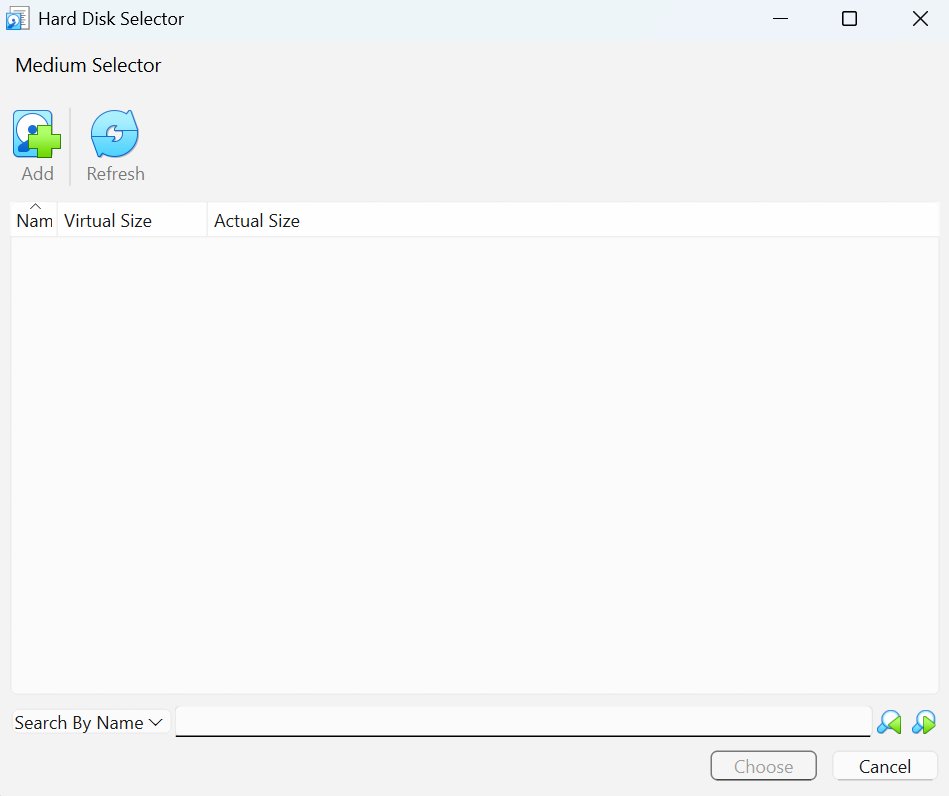
-
Click on "DEBIAN2026.vdi" a next click on button "Choose"
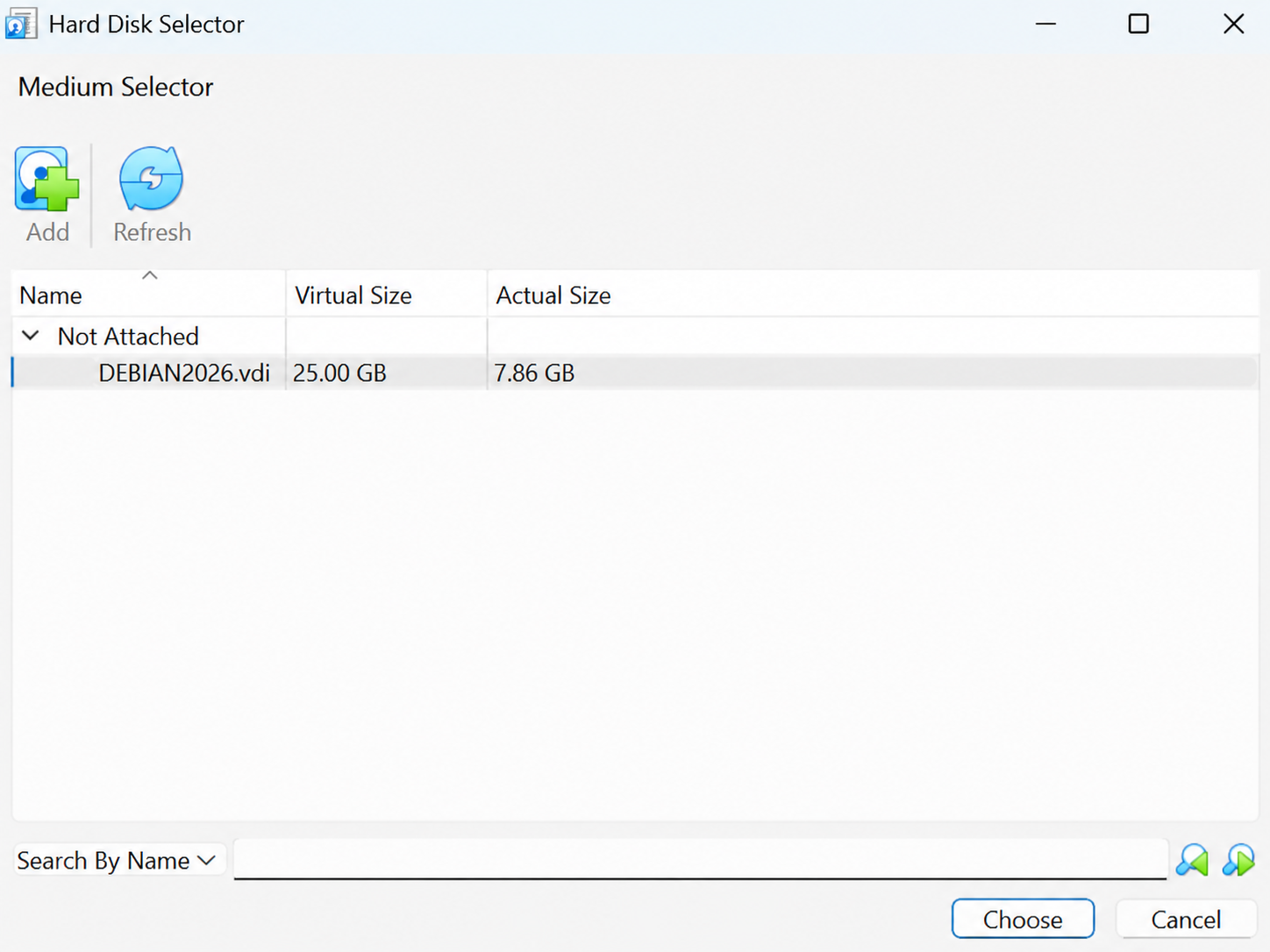
-
Click on button "Finish"
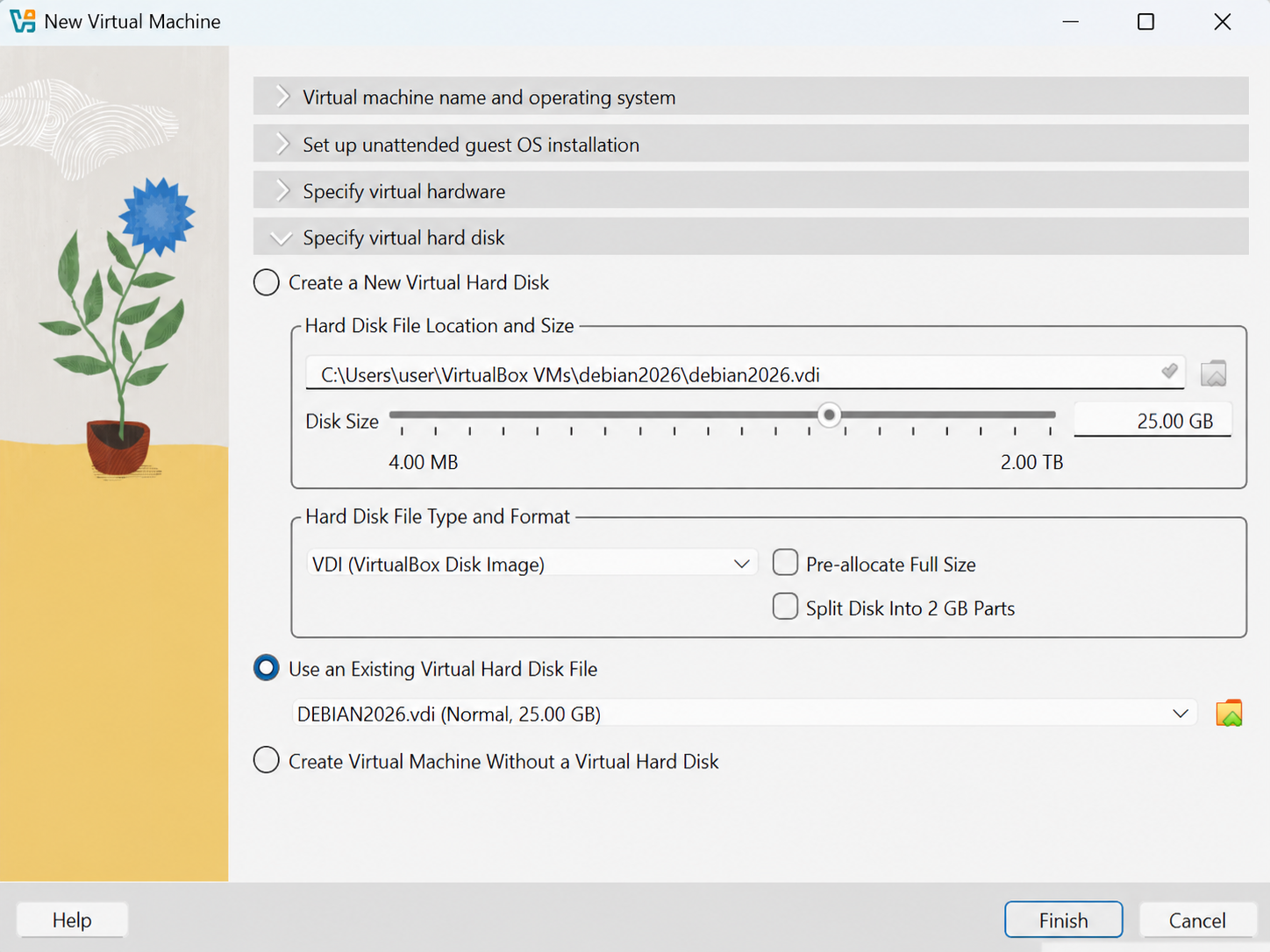
-
Now you can see the new virtual machine in left column a double click on it to run it
-
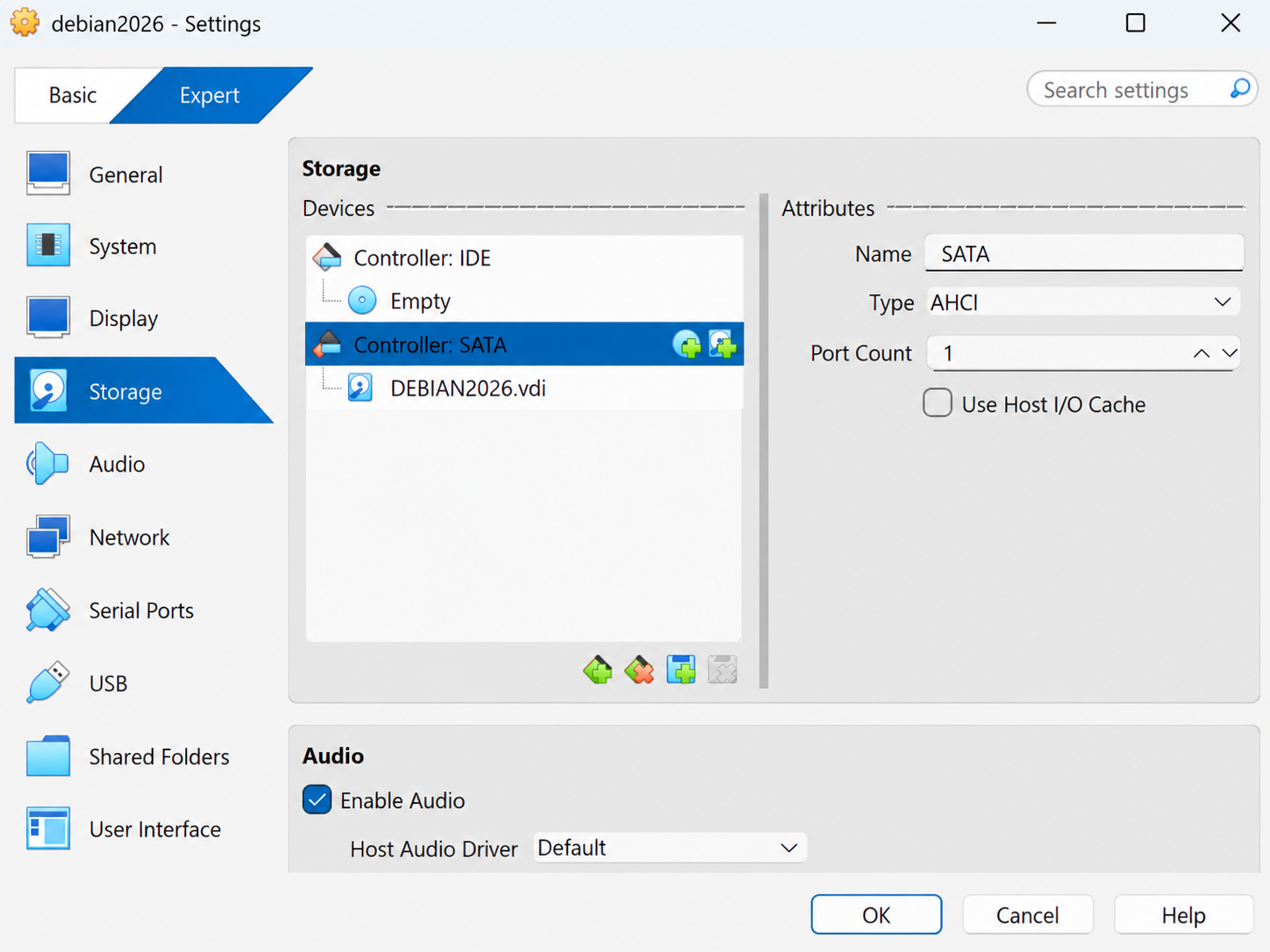
If there was not choice "Use an existing Virtual hard disk file" click right button on virtual machine and choose "Settings"
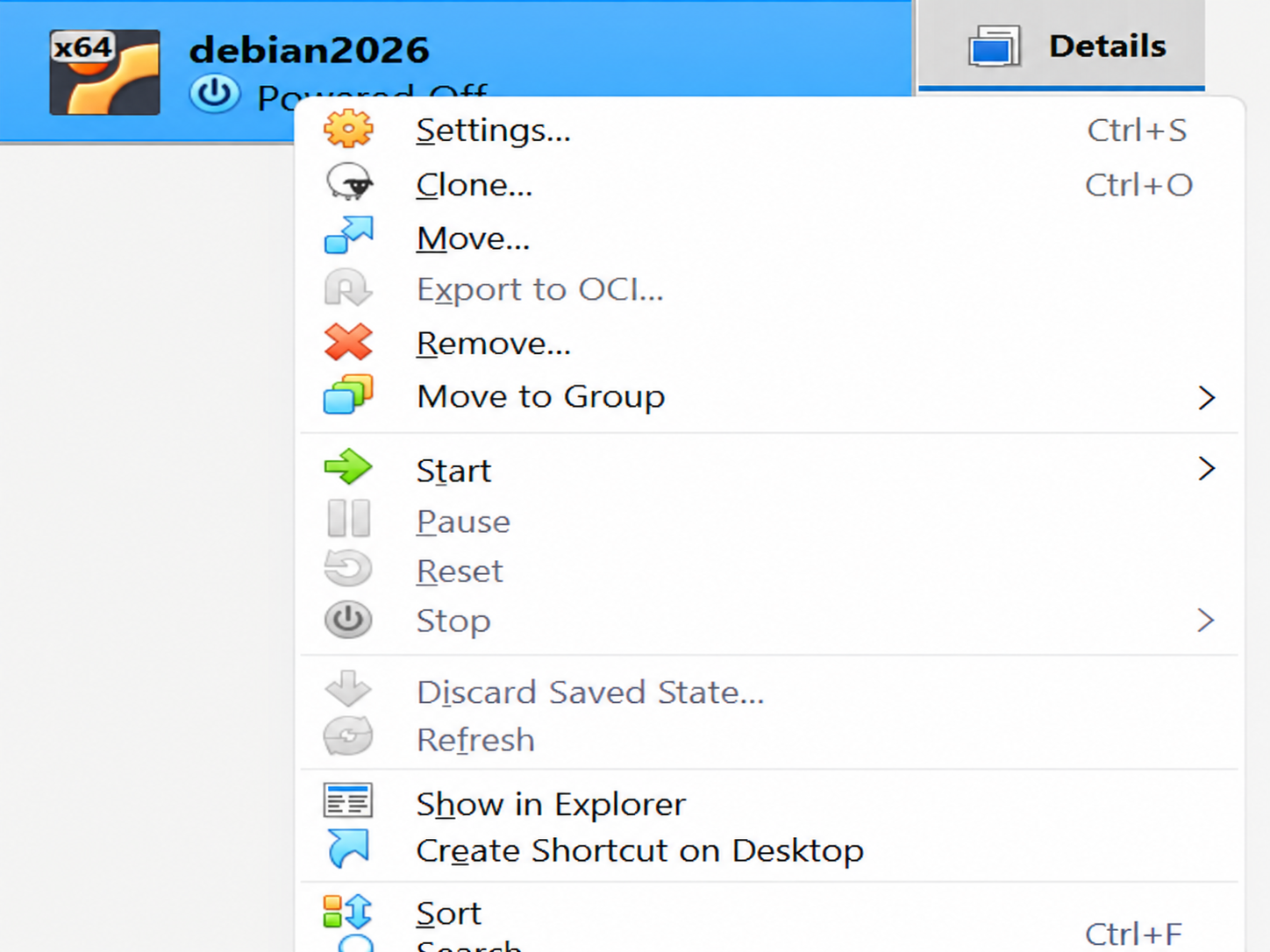
Choose "Storage" in right column, choose DEBIAN2026.vdi and remove it 
-
Click on icon
 and add virtual hard disk as in step 7.
-
in this virtual machine is user ubuntu with password 1+2+3+4+5 after login you can switch it to fullscreen mode by keyboard shortcut RightCTRL+F